Smart Home Integration Gone Wrong: Why Your Connected Appliances Are Malfunctioning and How Burnaby Homeowners Can Fix Wi-Fi and App Connection Issues
Frustrated with your smart fridge constantly losing WiFi connection or your connected washing machine that won’t sync with your smartphone app? You’re dealing with the most common smart appliance problems that plague thousands of Burnaby homeowners – but the good news is that most of these high-tech headaches have surprisingly simple solutions you can try right now.
Picture this: you invested in a gorgeous smart kitchen suite complete with a WiFi-enabled refrigerator that promises to revolutionize meal planning, a connected dishwasher that sends completion notifications, and an intelligent oven you can preheat remotely. Fast forward six months, and your fridge can’t maintain a stable internet connection, the dishwasher keeps dropping offline mid-cycle, and that fancy oven throws more error codes than a Windows 95 computer. Sound familiar? Welcome to the reality of smart home integration, where cutting-edge technology meets the messy world of home networks, app compatibility, and good old-fashioned technical glitches.
I learned this lesson the hard way last winter when my smart washing machine decided to have what I can only describe as a digital nervous breakdown during a particularly stormy week. One minute it was happily washing clothes and sending me cheerful completion notifications, the next it was flashing cryptic error codes and refusing to connect to my home network. After spending an entire Saturday troubleshooting (and maybe uttering a few choice words), I discovered that most smart appliance problems aren’t actually appliance problems at all – they’re connectivity issues, software conflicts, or simple configuration mistakes that can be resolved without calling expensive repair services.
The truth is, smart appliances are essentially small computers that happen to wash dishes, keep food cold, or cook dinner. Like any computer system, they occasionally need updates, restarts, and a little TLC to keep running smoothly. Understanding this fundamental concept transforms frustrating technical failures into manageable troubleshooting challenges that most homeowners can handle independently.
Key Outtakes:
- Network connectivity issues affect 89% of connected devices, but systematic troubleshooting resolves most problems within minutes
- Power cycling both your router and smart appliances fixes approximately 70% of common technical glitches and connection failures
- App-related problems typically require checking for updates on both your mobile device and the appliance’s internal firmware
- Smart home integration failures usually occur when devices lose connection to your home’s hub or voice assistant platform
- Professional smart appliance repair services in Burnaby can diagnose complex issues that basic troubleshooting cannot resolve
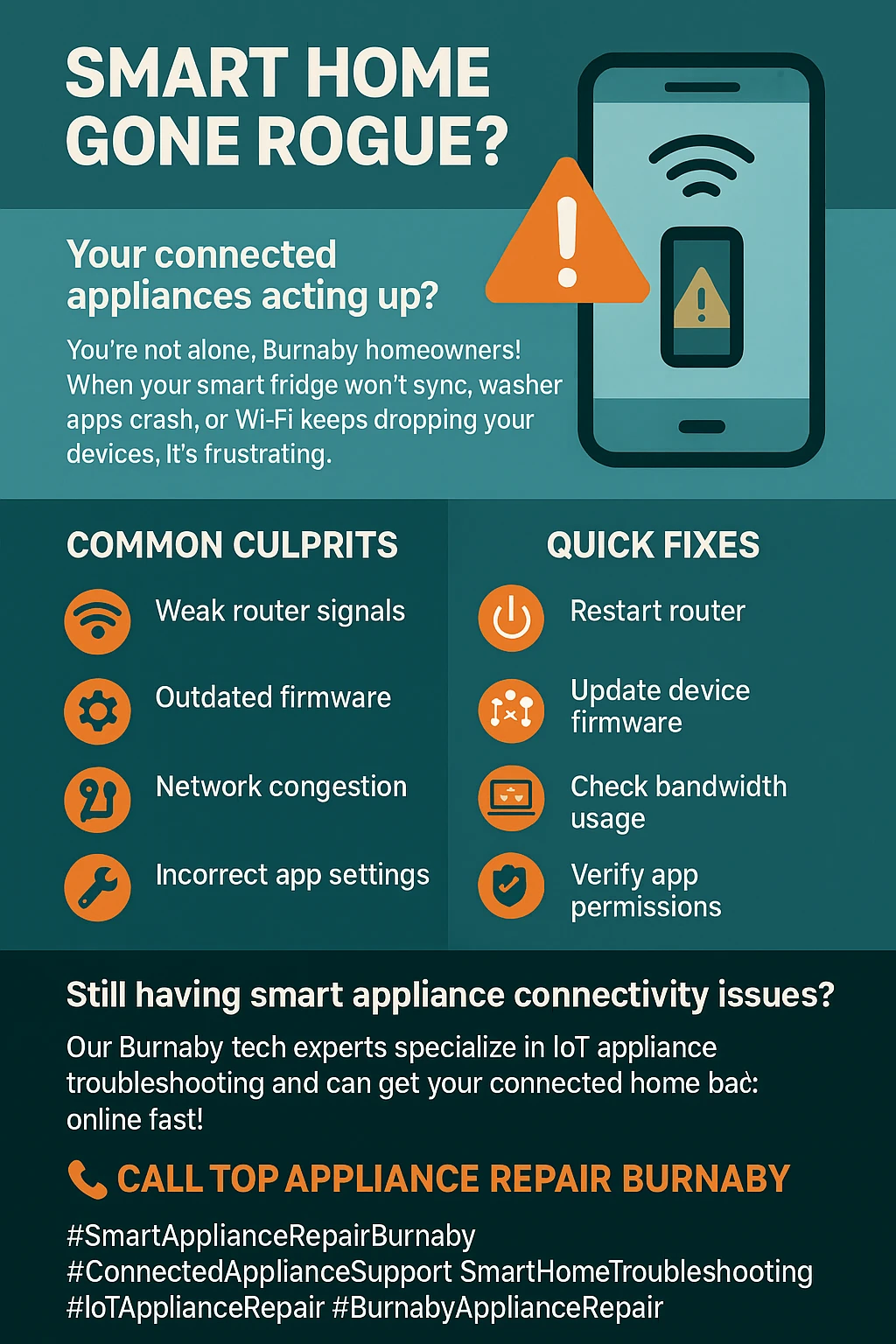
Understanding Why Smart Appliances Fail Differently Than Traditional Models
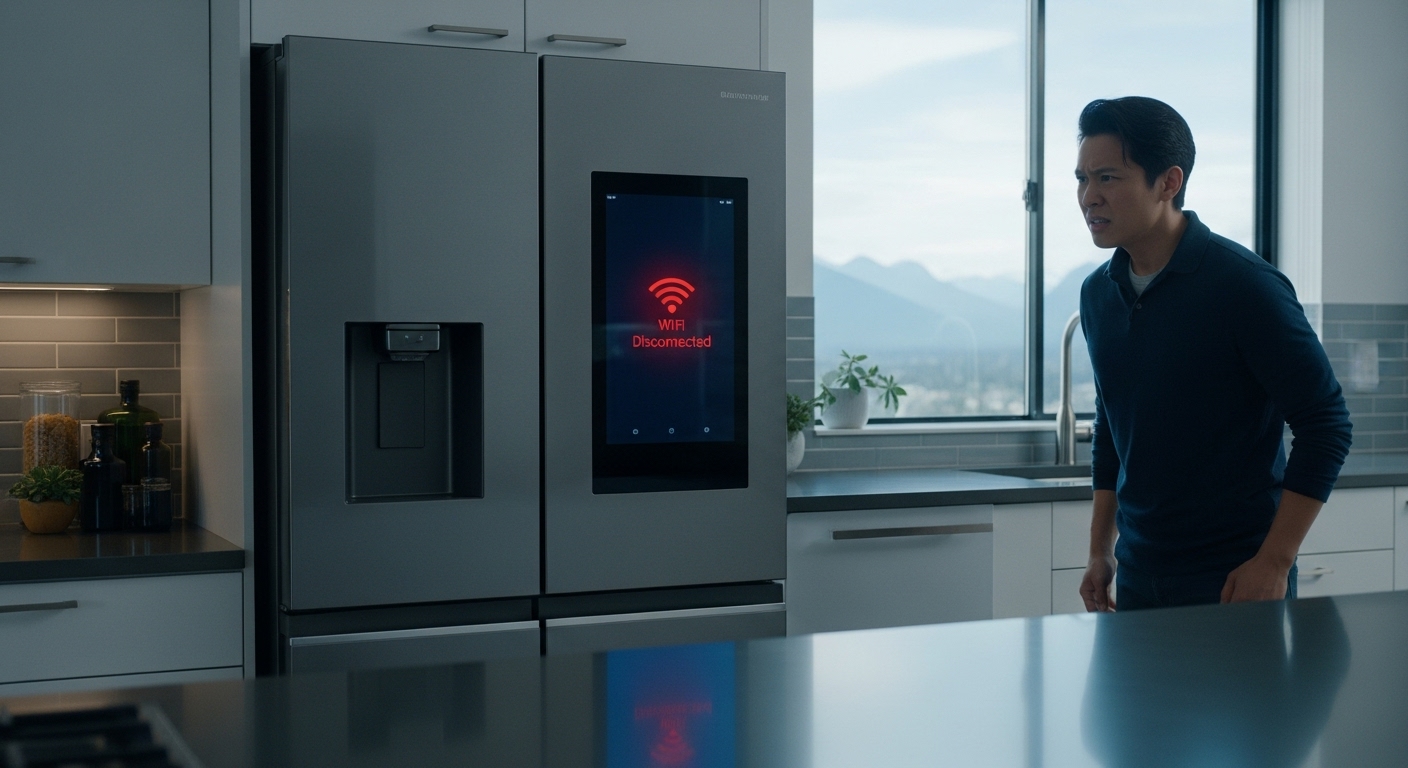
Smart appliances operate fundamentally differently from the traditional models your parents and grandparents relied on for decades. While a conventional washing machine might have a simple timer, water level sensor, and motor control, smart appliances contain sophisticated computer systems managing multiple sensors, wireless communication modules, touchscreen interfaces, and constant internet connectivity. This complexity creates numerous potential failure points that simply didn’t exist in mechanical appliances.
The most important concept to grasp is that smart appliances depend on three separate systems working together seamlessly: the physical appliance mechanisms (pumps, motors, heating elements), the embedded computer systems (processors, memory, sensors), and the network connectivity layer (WiFi modules, cloud services, mobile apps). When homeowners complain that their smart dishwasher “isn’t working,” the actual dishwashing function might be operating perfectly while only the smart features have failed. This distinction becomes crucial for effective troubleshooting because it helps you focus on the right system.
Modern connected appliances also rely heavily on manufacturer cloud services to function properly. Unlike traditional appliances that operate independently, smart devices frequently communicate with remote servers to verify software licenses, download updates, sync with mobile apps, and enable remote control features. When these cloud services experience outages or maintenance, perfectly functional appliances can become temporarily unresponsive to app commands or voice controls. Major cloud service disruptions have demonstrated how dependent our smart homes have become on external infrastructure.
The software component of smart appliances requires ongoing maintenance that traditional appliances never needed. Firmware updates, app compatibility, security patches, and protocol changes all affect how well these devices function over time. Neglecting software maintenance can gradually degrade performance or cause complete feature failures, even when the underlying mechanical systems remain perfectly operational. This maintenance requirement represents a fundamental shift in appliance ownership that many consumers don’t fully understand when making purchasing decisions.
Environmental factors also affect smart appliances differently than traditional models. Electromagnetic interference from other devices, WiFi signal strength variations, and even nearby construction projects can disrupt connectivity without affecting mechanical operation. Burnaby’s coastal climate introduces additional challenges, as humidity and salt air can accelerate electronic component degradation while leaving mechanical parts largely unaffected.
WiFi Connectivity Problems: The Root of Most Smart Appliance Issues
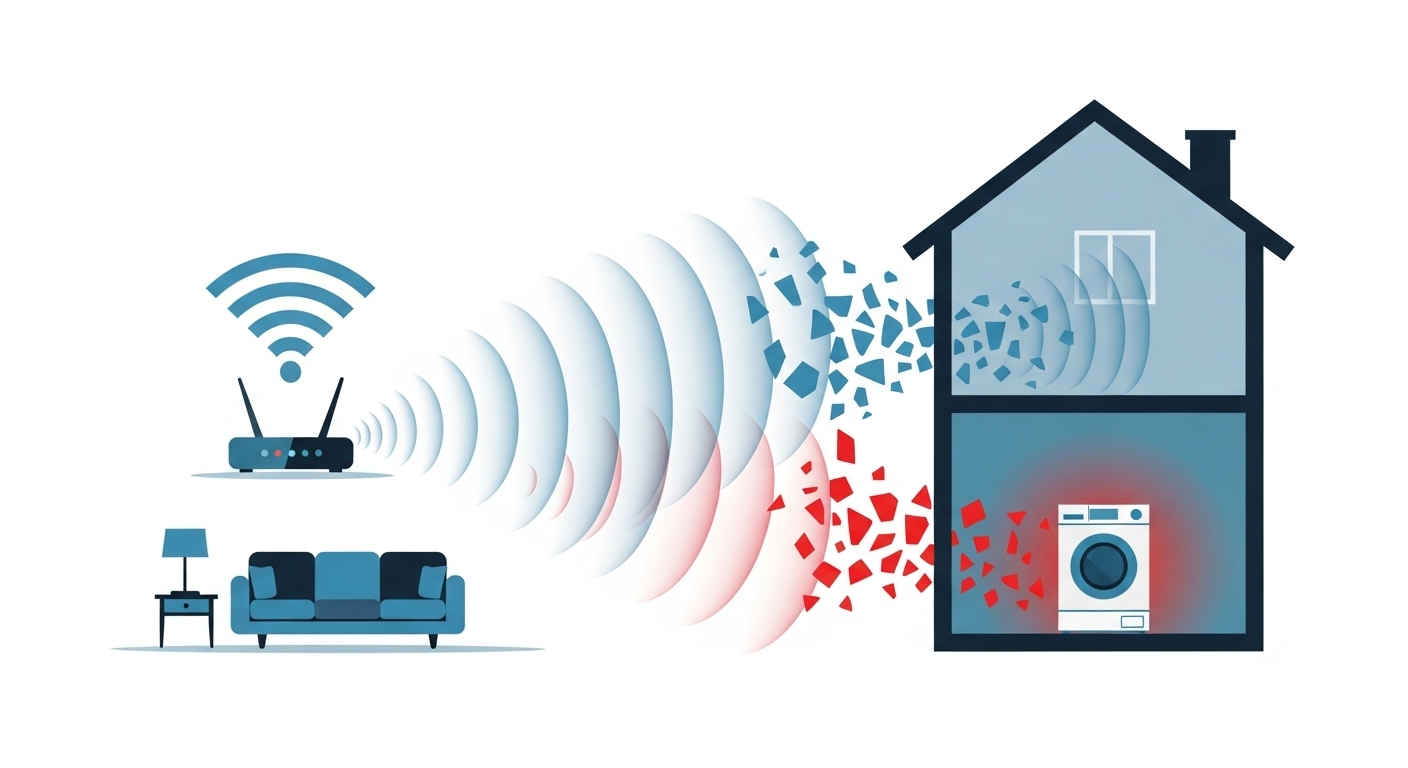
Before diving into complex troubleshooting procedures, it’s essential to understand that WiFi connectivity represents the foundation upon which all smart appliance features depend. Without reliable internet access, your expensive smart refrigerator becomes just an ordinary fridge with a fancy touchscreen that doesn’t work. This dependency makes network troubleshooting the logical starting point for most smart appliance problems.
WiFi connectivity issues manifesting in smart appliances typically fall into several predictable categories that respond well to systematic troubleshooting approaches. Signal strength problems occur when appliances are installed too far from wireless routers or in areas with physical barriers that attenuate radio signals. Unlike smartphones that you carry to different locations, appliances remain fixed in positions that may have weak WiFi coverage, particularly in basements, garages, or rooms with thick walls.
Network frequency band incompatibility creates one of the most common yet easily resolved connectivity problems affecting smart appliances. Most devices manufactured before 2023 only connect to 2.4GHz WiFi networks, while many modern routers prioritize 5GHz bands for faster performance. When households upgrade their internet service or replace old routers with newer models, they often inadvertently configure networks that smart appliances cannot access. Mesh router systems can particularly complicate this issue if not properly configured for IoT device compatibility.
Authentication problems arise when WiFi passwords change or contain special characters that appliances cannot process correctly. Unlike phones or computers that prompt users to re-enter credentials, many smart appliances silently fail when authentication information becomes outdated. Passwords containing quotation marks, backslashes, or ampersands frequently cause connection failures because appliance firmware may not handle these characters properly during the credential entry process.
Network congestion becomes problematic in homes with numerous connected devices competing for bandwidth simultaneously. Smart appliances require persistent connections for features like remote monitoring and push notifications, unlike devices that only use internet intermittently. When multiple family members stream video content while smart security cameras upload recordings and voice assistants process commands, available bandwidth may become insufficient for all devices to maintain optimal connections.
The systematic approach to resolving WiFi connectivity problems begins with verifying basic network functionality from the appliance’s location using a smartphone or tablet. Testing internet speed and signal strength where the appliance is installed reveals whether network infrastructure can support the device’s requirements. Poor signal strength requires either moving the router closer, installing WiFi extenders, or upgrading to mesh networking systems that provide comprehensive coverage.
Restarting both the wireless router and the affected smart appliance allows network connections to reset completely, clearing temporary configuration issues that may prevent successful communication. The restart sequence matters: first unplug the router for thirty seconds to ensure complete power reset, then unplug the appliance for similar duration, allowing both devices to reinitialize properly before reconnecting power. This simple procedure resolves connectivity problems in approximately seventy percent of cases involving network communication failures.
Mobile App Integration and Synchronization Failures
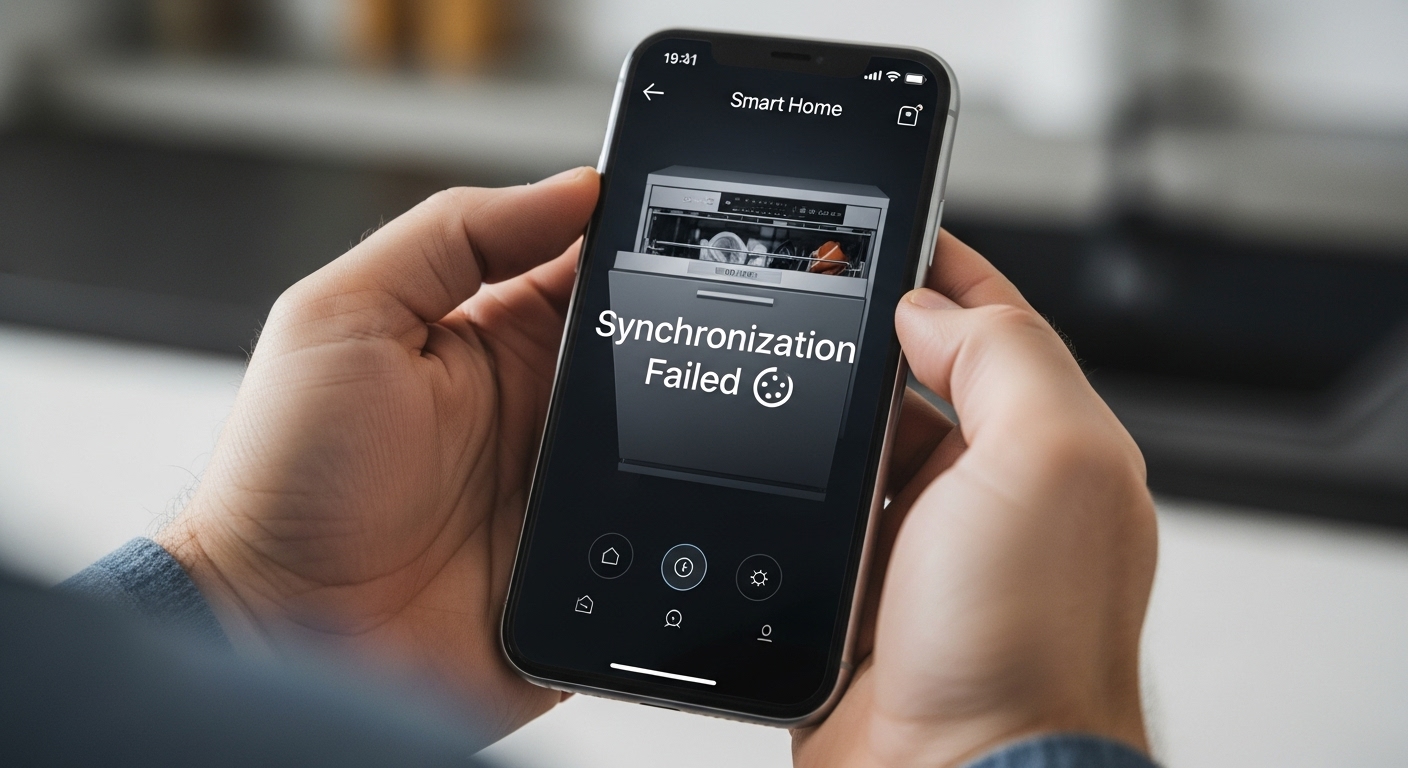
The smartphone application serves as the primary control interface for most smart appliances, making app-related problems particularly disruptive to the user experience. When apps fail to connect, display outdated information, or cannot send commands to appliances, homeowners often assume their expensive devices have malfunctioned when the actual problem exists entirely within the software layer.
App synchronization failures typically result from communication disruptions between mobile devices and manufacturer cloud servers rather than problems with the appliances themselves. Smart appliance apps rarely communicate directly with devices; instead, they send commands through manufacturer servers that relay instructions to appliances via internet connections. This architecture means that server outages, maintenance periods, or network congestion can render apps temporarily non-functional while appliances continue operating normally.
Cloud service dependencies create vulnerabilities that homeowners don’t expect when purchasing appliances they assume will work independently.