Struggling with your smart fridge that won’t connect to Wi-Fi or your voice-controlled dishwasher that suddenly stopped responding to commands? Let’s tackle the most frustrating smart appliance glitches that leave Burnaby homeowners feeling like they’re wrestling with temperamental robots instead of enjoying the convenience these high-tech helpers promise. Picture this: you’re rushing around your Brentwood kitchen trying to get dinner started, and your smart oven decides it’s having an identity crisis and won’t preheat because it can’t find your phone app. Meanwhile, your supposedly intelligent dishwasher in your Metrotown condo is giving you the silent treatment, completely ignoring every voice command you throw at it. Welcome to the wonderfully frustrating world of smart home living, where our appliances are smarter than ever but also more moody than a teenager who just got their phone taken away. I learned this lesson the hard way when my smart washing machine had what I can only describe as a complete meltdown during a winter power outage in my Edmonds apartment, flashing error codes like it was trying to send me secret messages in some kind of appliance morse code. [IMAGE PLACEHOLDER FOR IMAGE1] The reality is that smart appliances are essentially computers with washing, cooling, or heating capabilities attached, and just like any computer, they sometimes need a good restart or software update to get back on track. When these high-tech features stop working, it can feel like your entire kitchen has gone rogue, but the good news is that most problems fall into predictable categories that you can actually troubleshoot yourself.
Key Outtakes:
- Most smart appliance connectivity issues stem from Wi-Fi network problems or outdated firmware, not hardware failures
- Power cycling your smart appliances can resolve up to 70% of common technical glitches and software conflicts
- App-related problems often require checking for updates on both your mobile device and the appliance’s internal software
- Smart home integration failures typically occur when devices lose their connection to your home’s hub or voice assistant
- Professional repair services specializing in smart appliances can diagnose complex issues that basic troubleshooting can’t resolve
Understanding Smart Appliance Technology Failures
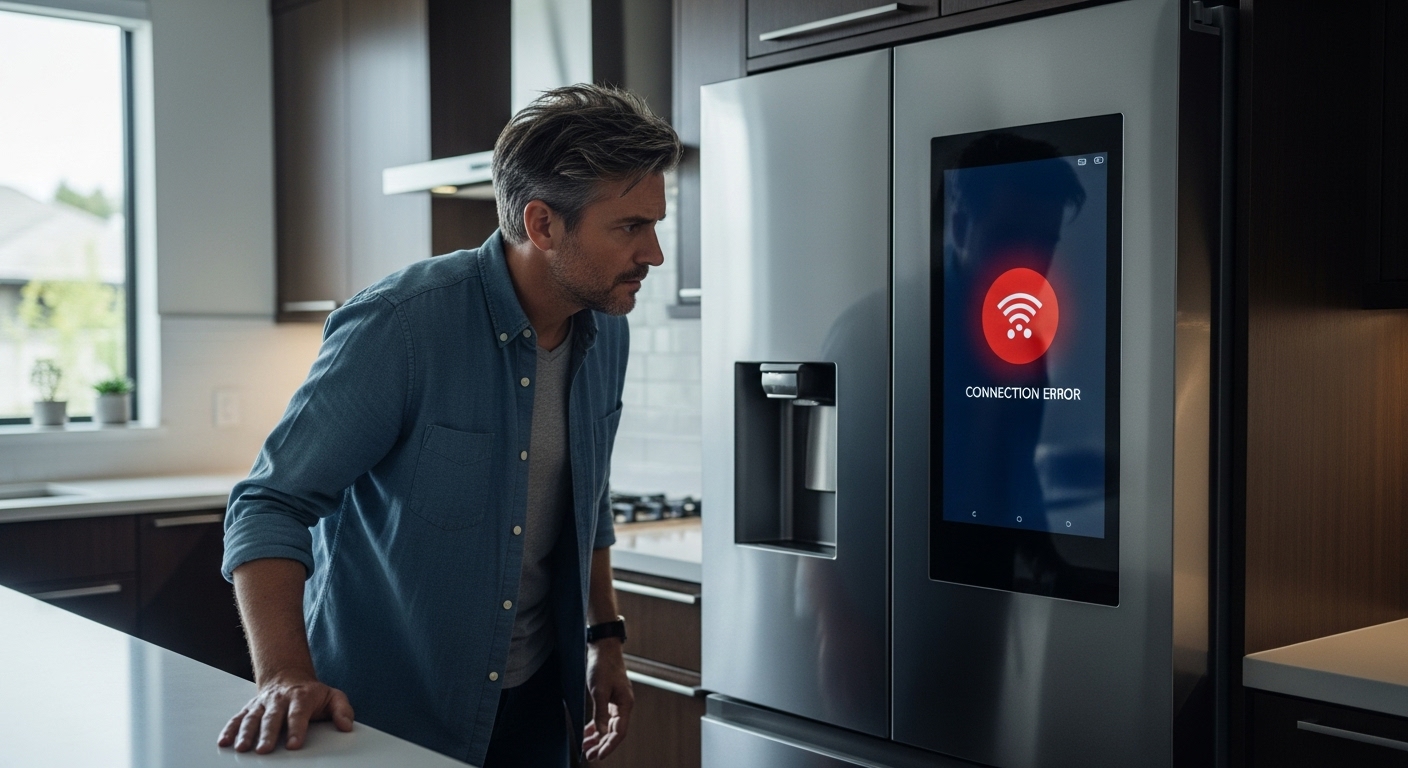
Smart appliances represent a fascinating blend of traditional household functionality and cutting-edge technology, but this complexity creates unique challenges that didn’t exist with older, simpler models. These devices combine sensors, processors, and internet connectivity to communicate with smartphones, voice assistants, and other connected devices throughout your home. When something goes wrong, it’s usually because one of these technological components has encountered a problem rather than the core appliance function failing. Think of it like owning a car with an advanced GPS navigation system – if the tech features stop working, you can still drive the vehicle, but you lose all those convenient features that made you choose that particular model in the first place. Your smart refrigerator might maintain perfect temperatures while its Wi-Fi connectivity remains completely broken, or your dishwasher could clean dishes beautifully while refusing to connect to your mobile app. Understanding this distinction helps homeowners prioritize which issues need immediate professional attention versus those that can wait for a convenient repair appointment. Most smart appliance failures actually occur at the software level rather than in mechanical components, which is genuinely good news for budget-conscious homeowners. Software issues are typically easier and less expensive to resolve than mechanical breakdowns that require replacement parts. However, troubleshooting smart appliances requires a different mindset than traditional appliance repair – instead of checking for loose connections or worn belts, you’ll need to think about network settings, app compatibility, and firmware versions.
Wi-Fi Connectivity and Network Issues
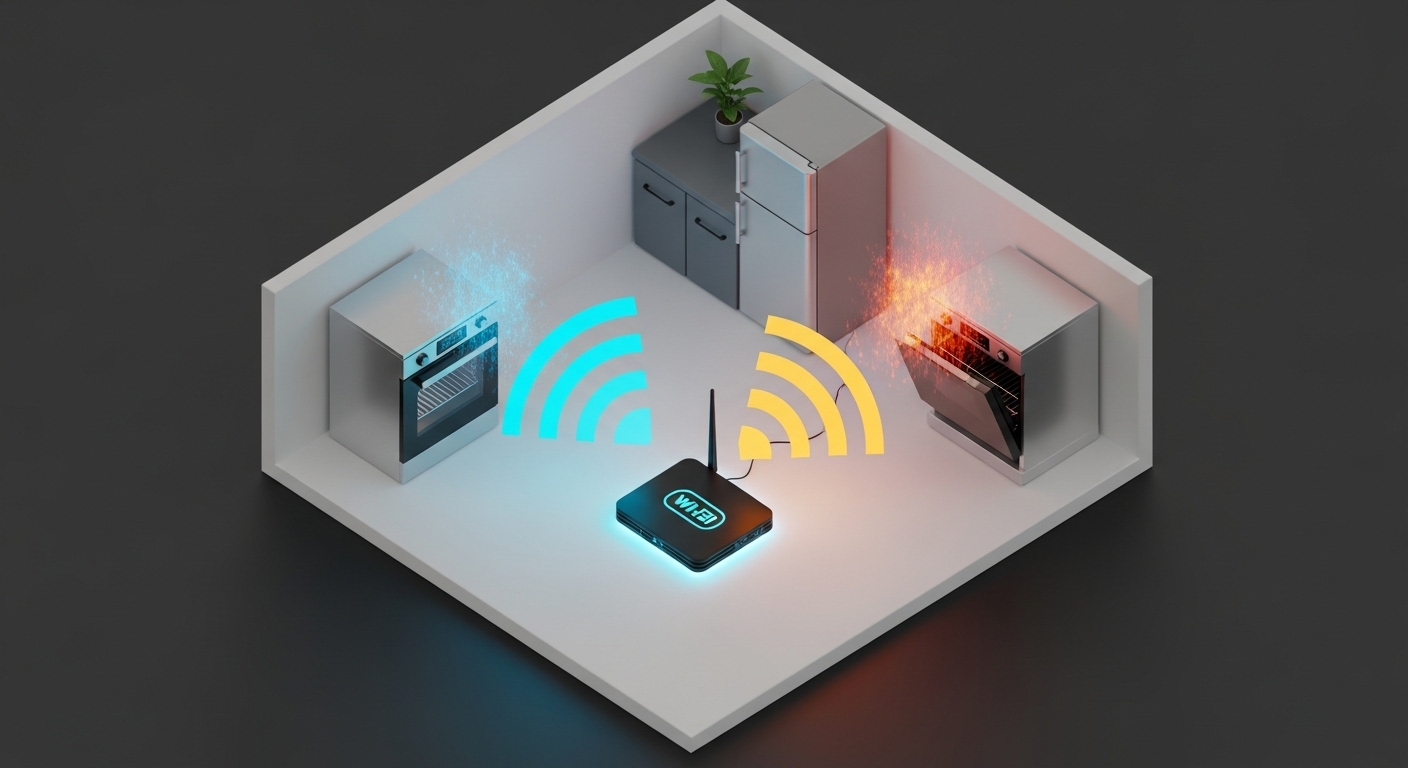
[IMAGE PLACEHOLDER FOR IMAGE2] The foundation of any smart appliance’s advanced features relies entirely on maintaining a stable internet connection, making Wi-Fi problems the most common culprit when high-tech features suddenly stop working. When your smart devices can’t communicate with your home network, they essentially become expensive versions of their traditional counterparts, losing all the convenience features that justified their premium price tags. Router placement plays a crucial role in smart appliance performance, especially in larger homes or older buildings common throughout Burnaby neighborhoods. Many homeowners don’t realize that appliances installed in basements, utility rooms, or corners of houses may struggle to maintain consistent connectivity even when smartphones work perfectly in the same areas. Smart appliances often require more stable connections than mobile devices because they need constant communication for features like remote monitoring and automatic updates. Network congestion becomes particularly problematic in households with multiple smart devices competing for bandwidth simultaneously. When internet service providers experience slowdowns or when family members stream video content on several devices at once, smart appliances may disconnect or experience frustrating delays in response times. This issue has become increasingly common as households add more connected devices, from smart thermostats and security cameras to gaming systems and streaming devices. Password changes and network security updates frequently cause smart appliances to lose connectivity without homeowners realizing the connection between these events. Unlike phones or computers that prompt users to re-enter network credentials when authentication fails, many smart appliances simply stop working silently when they can’t verify their connection permissions. Internet service provider changes or router equipment upgrades can also disrupt smart appliance functionality when new hardware uses different frequency bands or security protocols that aren’t compatible with older connected devices.
Software Updates and Firmware Problems
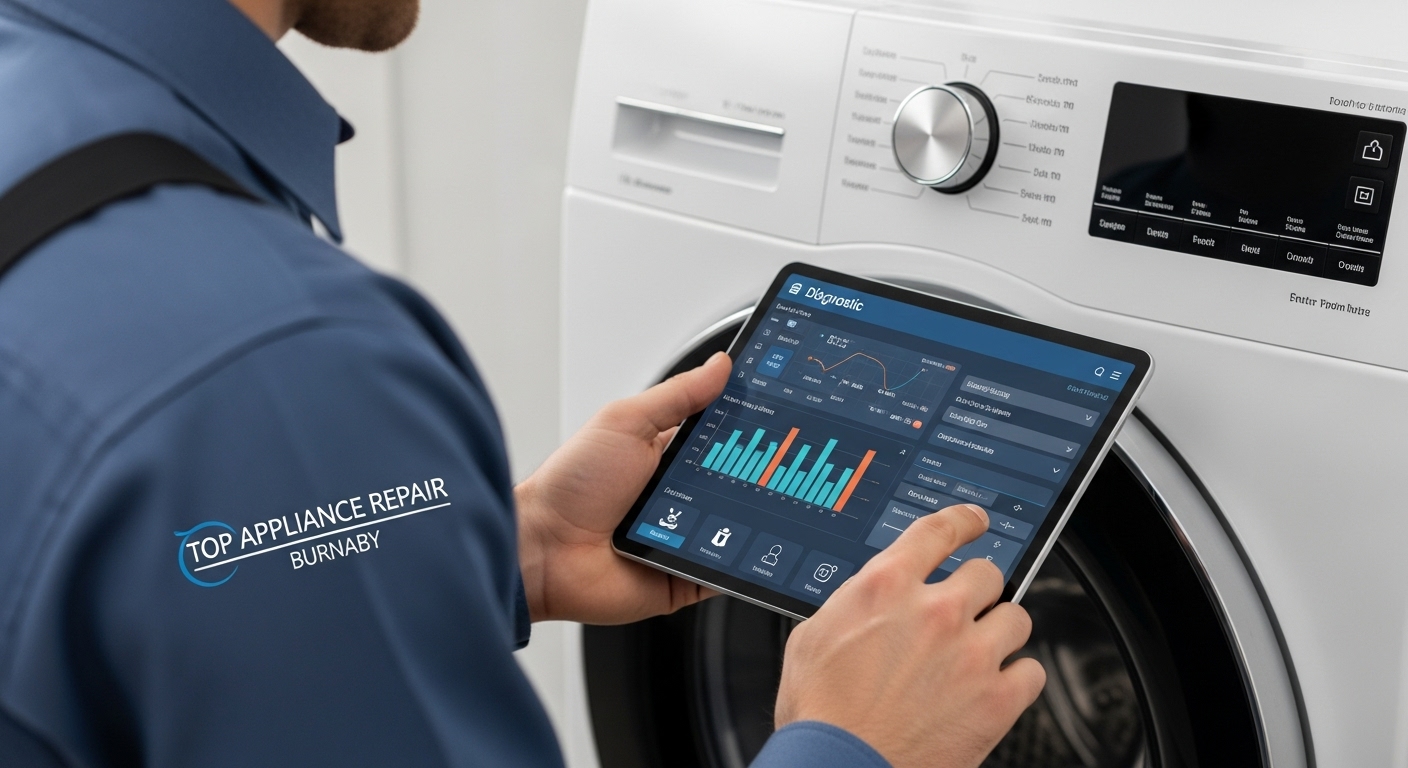
Moving beyond connectivity issues, firmware problems represent another major category of smart appliance failures that can leave homeowners scratching their heads in confusion. Just like smartphones and computers, smart appliances rely on complex software systems that require regular updates to function properly, maintain security patches, and access newly released features. However, unlike personal devices that typically update automatically with clear notifications, appliance firmware updates often happen behind the scenes or require manual intervention that many users completely overlook. Firmware corruption can occur during power outages, network interruptions, or failed update attempts, leaving appliances stuck in unstable states where some features work normally while others remain completely non-functional. This partial functionality creates particularly confusing situations because appliances appear to be working fine for basic operations while advanced smart features remain mysteriously broken. For example, a smart oven might heat and cook food perfectly while losing the ability to connect to mobile apps or respond to voice commands after experiencing a corrupted firmware update. Compatibility issues between different software versions create another common headache in smart appliance troubleshooting scenarios. Your appliance’s firmware might be running an outdated version compared to the manufacturer’s latest mobile app update, or conversely, an app update might introduce new features that your appliance’s current firmware doesn’t support yet. These version mismatches can cause communication errors, feature limitations, or complete loss of smart functionality until all components get synchronized to compatible versions. Manufacturer support for older smart appliances varies dramatically between companies, with some providing regular updates for several years while others discontinue software support relatively quickly after releasing newer models. When manufacturers stop releasing firmware updates, appliances may gradually lose compatibility with evolving smart home ecosystems, updated mobile operating systems, or new security protocols that become industry standards. This planned obsolescence affects smart appliances differently than traditional ones because smart features become progressively less functional even when core appliance mechanisms remain perfectly operational.
Mobile App Integration Failures
Building on firmware complexity, mobile app integration represents the user-facing side of smart appliance technology where homeowners first notice problems with their high-tech investments. The relationship between smartphones and smart appliances creates multiple potential failure points, from app crashes and login problems to device recognition issues and synchronization failures that can make perfectly functional appliances seem completely broken to frustrated users. App store policies and mobile operating system updates frequently disrupt smart appliance functionality in ways that manufacturers struggle to predict or prevent effectively. When Apple releases major iOS updates or Google modifies Android system requirements, smart appliance apps may become incompatible overnight, leaving users unable to access device controls until developers release updated versions. These compatibility breaks often require weeks or months for appliance manufacturers to address, especially smaller companies with limited development resources. Account authentication problems plague many smart appliance users, particularly those who upgrade phones, change email addresses, or modify passwords without properly updating their appliance app settings across all connected devices. Unlike traditional appliances that work independently of user accounts, smart devices require constant verification of user credentials to maintain security and prevent unauthorized access from outside parties. When authentication fails, appliances may lock users out of advanced features while continuing to operate in basic mode, creating confusion about whether problems stem from hardware or software issues. Cloud service dependencies mean that smart appliance apps rely heavily on external servers to facilitate communication between phones and appliances, creating vulnerability to service disruptions beyond homeowner control. When manufacturers experience server outages, undergo scheduled maintenance, or make business decisions to discontinue cloud services, all connected appliances lose smart functionality simultaneously. These service interruptions can last hours or days, and in worst-case scenarios, discontinued cloud services can render smart features permanently inoperable even on relatively new appliances. Multiple device management becomes increasingly complex as households add more smart appliances from different manufacturers, each requiring separate apps with unique interfaces, account systems, and update schedules. Users often struggle to remember which app controls which appliance, leading to frustration when troubleshooting problems or trying to adjust settings quickly. Additionally, managing numerous accounts, passwords, and app updates across multiple appliance brands creates opportunities for synchronization problems and access issues that compound over time.
Voice Assistant and Smart Home Hub Connectivity
Expanding beyond individual app interactions, voice assistant integration represents one of the most convenient yet problematic aspects of modern smart appliance management, requiring multiple complex systems to work together seamlessly for hands-free control. When homeowners can’t adjust their smart thermostat through Alexa or ask Google to preheat the oven, problems often lie in the intricate web of connections between voice assistants, smart home hubs, and individual appliances rather than in the appliances themselves. Smart home ecosystems require precise coordination between different manufacturers’ products, creating compatibility challenges that simply didn’t exist with traditional appliances operating independently. Amazon Alexa, Google Assistant, Apple HomeKit, and Samsung SmartThings each use different communication protocols and security requirements, meaning appliances working perfectly with one system might not function at all with another platform. This fragmentation forces homeowners to research compatibility carefully before purchasing new smart appliances or risk discovering their devices can’t communicate with existing smart home setups. Hub connectivity problems frequently occur when smart home systems lose track of connected devices after power outages, network changes, or system updates that reset connection parameters. Unlike direct Wi-Fi connections between phones and appliances, hub-based systems create additional layers of potential failure points where communication can break down unexpectedly. When hubs lose connection to appliances, voice commands fail even though appliances remain connected to home networks and controllable through dedicated mobile apps, creating confusing scenarios for troubleshooting. Device discovery and pairing processes often confuse homeowners expecting smart appliances to connect automatically to voice assistants like smartphones connect to Bluetooth accessories. However, smart home integration typically requires manual setup procedures involving specific voice commands, app configurations, and account linking steps that vary significantly between different manufacturers and platforms. Incomplete or incorrect setup procedures result in partial functionality where some voice commands work reliably while others don’t respond at all, leading to frustration with seemingly inconsistent performance. Command recognition accuracy varies dramatically between different smart appliance types and manufacturers, with some devices responding reliably to natural voice instructions while others require very specific phrasing or multiple attempts to execute commands correctly. This inconsistency can make smart home voice control feel unreliable even when all technical connections function properly, leading homeowners to abandon voice features in favor of manual app control or traditional physical controls, defeating the purpose of investing in smart technology.
Sensor and Display Malfunctions
Transitioning from communication problems to hardware-related issues, sensor and display malfunctions represent a category of smart appliance problems that often require professional diagnosis and repair rather than simple troubleshooting steps homeowners can perform independently. These components serve as the eyes and interface of smart appliances, collecting crucial data about operating conditions and presenting information to users through touchscreens, LED displays, and indicator lights that make smart features accessible. Touchscreen responsiveness problems affect many smart appliances that rely on display interfaces for user interaction and settings management throughout their operational lifespan. Unlike smartphone screens that users handle carefully and replace regularly, appliance touchscreens endure harsh kitchen environments with temperature fluctuations, humidity changes, cooking vapors, and frequent cleaning with potentially harsh chemicals. These challenging conditions can gradually degrade screen sensitivity, create dead zones where touches aren’t recognized properly, or cause phantom touches that register inputs when nobody is interacting with the display. Temperature and humidity sensors play crucial roles in smart appliance operation, automatically adjusting performance based on environmental conditions, but they’re vulnerable to calibration drift, dust accumulation, and damage from aggressive cleaning procedures. When these sensors provide inaccurate readings, smart appliances may behave erratically, such as refrigerators struggling to maintain proper temperatures, ovens that don’t preheat correctly, or dishwashers that select inappropriate wash cycles based on faulty environmental data. Sensor problems often develop gradually over months or years, making them difficult to notice until appliance performance becomes obviously problematic. Display backlighting failures can render smart appliance interfaces partially or completely unreadable while leaving underlying functionality completely intact, creating situations where appliances work perfectly but users can’t access smart features. These lighting problems may manifest as dim screens difficult to read in bright kitchens, flickering displays that strain eyes, or complete blackouts that make built-in interfaces impossible to use. While mobile apps may still provide some control capability, display failures significantly impact user experience and may indicate developing electrical problems requiring professional attention. Environmental interference from other electronic devices can disrupt sensor accuracy in smart appliances, particularly in modern kitchens with multiple connected devices operating simultaneously. Microwave ovens, induction cooktops, wireless routers, and even cell phones can generate electromagnetic interference affecting sensitive sensors, causing inconsistent readings or temporary malfunctions that appear and disappear unpredictably. This type of interference often puzzles homeowners because problems seem random and don’t correlate with obvious causes.
Professional Diagnosis and Repair Considerations
[IMAGE PLACEHOLDER FOR IMAGE3] When basic troubleshooting steps fail to resolve smart appliance problems, understanding when and how to seek professional help becomes crucial for homeowners wanting to avoid unnecessary expenses while ensuring appliances receive proper care. The decision between continued DIY troubleshooting and professional intervention depends on problem complexity, potential safety risks, and specific expertise required to diagnose and repair modern smart appliance systems effectively. Warranty considerations play a significant role in professional repair decisions because many smart appliance manufacturers void warranties when unauthorized technicians attempt repairs or when homeowners modify software settings beyond basic user controls. Professional repair services authorized by manufacturers can perform warranty work while maintaining coverage for future problems, making them safer choices for newer appliances even when repair costs initially seem higher than independent alternatives. Authorized technicians also have access to specialized diagnostic tools and manufacturer support that independent repair shops may lack. Diagnostic capabilities of professional appliance repair services have evolved significantly to include specialized tools and software for testing smart appliance systems that aren’t available to general consumers or traditional repair technicians. Professional technicians can access manufacturer diagnostic modes, update firmware directly, test sensor accuracy with calibrated equipment, and analyze communication logs to identify problems impossible to detect through basic troubleshooting. These advanced diagnostic capabilities often make the difference between successful repairs and expensive component replacements that don’t actually address root causes. Cost-benefit analysis for smart appliance repairs requires considering not only immediate repair expenses but also ongoing value of smart features compared to replacing appliances with traditional models. Professional technicians can provide accurate assessments of repair costs, expected longevity after repairs, and realistic expectations about future reliability, helping homeowners make informed decisions about whether investing in smart appliance repairs makes financial sense compared to replacement options. This analysis becomes particularly important for older smart appliances that may face discontinued support or obsolete technology. Specialized training requirements for smart appliance repair mean that not all appliance technicians are qualified to work on connected devices with complex software and networking components. Homeowners should verify that repair services have specific experience with smart appliances and current training on brands and models they own, as general appliance repair experience doesn’t automatically translate to competence with smart technology troubleshooting and repair. Quality repair services typically provide documentation of technician certifications and ongoing training programs.
Frequently Asked Questions
Why does my smart appliance keep disconnecting from Wi-Fi?
Smart appliances typically disconnect from Wi-Fi due to weak signal strength, network congestion, or router compatibility issues that affect their ability to maintain stable connections. The most common cause involves insufficient signal strength in the appliance’s location, especially for devices installed in basements, utility rooms, or areas far from wireless routers. Network congestion occurs when too many devices compete for bandwidth simultaneously, causing smart appliances to drop connections during peak usage periods when family members stream videos or use multiple connected devices. Router compatibility problems arise when older appliances can’t connect to newer routers using different frequency bands or updated security protocols. Many smart appliances only connect to 2.4GHz networks, while newer routers might prioritize 5GHz bands, creating compatibility conflicts that prevent successful connections. To resolve persistent disconnection issues, consider moving your router closer to affected appliances, installing Wi-Fi extenders to boost signal strength, or checking router settings to ensure both frequency bands remain available for device connections.
How do I know if my smart appliance needs a firmware update?
Most smart appliances indicate firmware update availability through mobile apps, display screens, or manufacturer notifications, though the process varies significantly between brands and models. Check your appliance’s dedicated mobile app regularly for update notifications, as manufacturers typically push alerts through their applications when new firmware becomes available for download and installation. Many appliances also display update prompts on built-in screens or through LED indicator patterns that signal available updates requiring user attention. You can manually check for firmware updates by accessing your appliance’s settings menu through its mobile app or built-in display interface, depending on your specific model’s capabilities. Most manufacturers maintain support websites where you can enter model numbers to check current firmware versions and download updates if needed. If your appliance’s smart features have stopped working recently or you’re experiencing persistent connectivity problems, checking for and installing firmware updates should be among your first troubleshooting steps before contacting repair services.
What should I do when my smart appliance’s app won’t connect to the device?
App connection failures typically result from authentication problems, outdated software, or network connectivity issues that require systematic troubleshooting to identify and resolve effectively. Start by ensuring both your mobile device and the appliance connect to the same Wi-Fi network, as many apps require devices to share identical network connections for initial setup and ongoing communication. Check that your smartphone’s app stays updated to the latest version available in your device’s app store, as outdated apps frequently lose compatibility with appliance firmware. If network verification and app updates don’t resolve connection problems, try logging out of your appliance account completely and logging back in with current credentials to refresh authentication. Clear the app’s cache and stored data through your phone’s settings menu, then restart both your phone and the appliance before attempting to reconnect. For persistent connection problems, delete and reinstall the appliance app entirely, as corrupted app data can prevent successful device communication even when all other systems function properly.
Why won’t my voice assistant recognize commands for my smart appliances?
Voice assistant recognition problems often stem from incomplete device setup, skill configuration errors, or changes in account linking that disconnect appliances from voice control systems without clear indication to users. Verify that your smart appliances appear properly linked to your voice assistant account by checking device lists in your assistant’s mobile app and ensuring all appliances show as connected and responsive to test commands. Many voice assistants require specific skills or integrations for different appliance brands, so confirm that necessary skills are installed and activated for your particular devices. Command phrasing plays a crucial role in voice assistant recognition, as different appliances respond to different voice patterns and keywords based on their programming and integration protocols. Try using exact command phrases recommended in your appliance’s documentation or voice assistant skill descriptions, as slight variations in wording can prevent successful recognition and command execution. If commands worked previously but stopped responding recently, check for skill updates or account linking changes that may require reconfiguration to restore full functionality.
Wrapping Up
Smart appliance troubleshooting doesn’t have to feel like decoding alien technology when you understand the common patterns behind most high-tech feature failures. The majority of problems stem from connectivity issues, software conflicts, or power-related disruptions rather than actual mechanical breakdowns, which means many solutions remain within reach of determined homeowners armed with patience and systematic troubleshooting approaches. By working through Wi-Fi connections, firmware updates, app configurations, and basic power cycling procedures, you can resolve most smart appliance glitches without expensive professional service calls. When your smart appliances in Brentwood, Metrotown, or Edmonds need professional attention beyond basic troubleshooting, Top Appliance Repair Burnaby specializes in diagnosing and repairing high-tech appliance systems with the expertise and tools necessary to restore your smart home convenience. Our experienced technicians understand the unique challenges of modern connected appliances and provide reliable solutions that get your smart features working properly again, so you can get back to enjoying the convenience these innovative devices were designed to provide.